How to reorder shirts quickly and easily
- written: hemdwerk
- 20.02.2020
If you’ve been wondering how to easily reorder shirts you’ve already purchased, keep reading. It’s quick and straightforward in our shirt designer.
[Your ordered shirts are available once you are logged in]
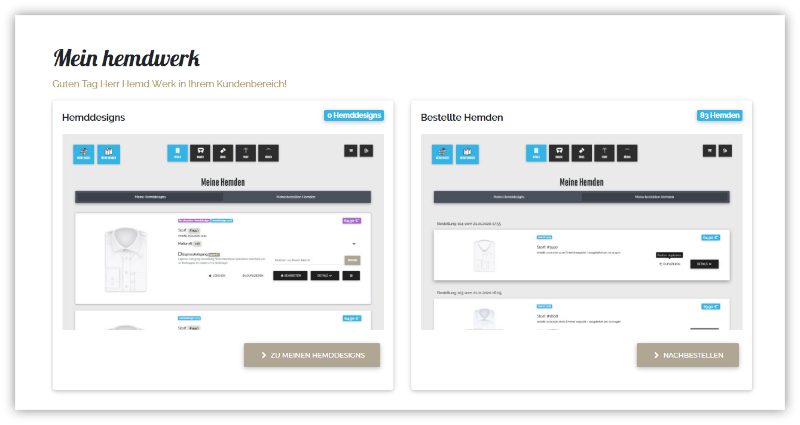
Please log in with your email address and password in your
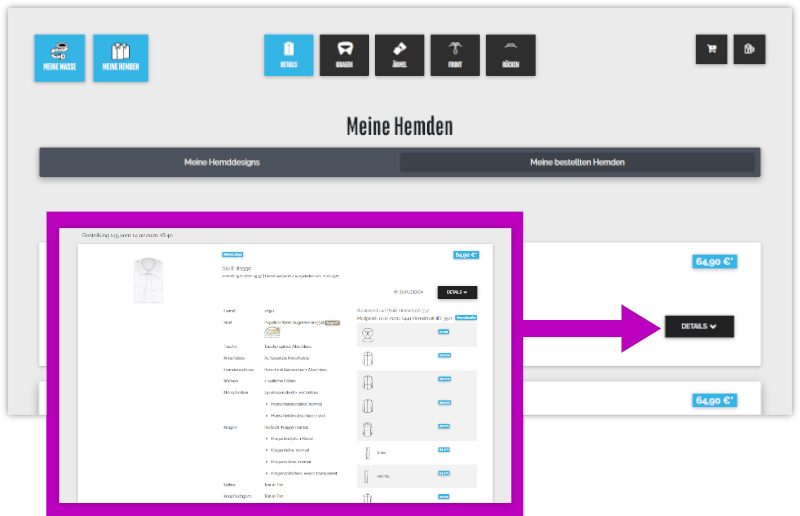
You will be taken to the shirt designer where your previously ordered shirts are listed. Click DETAILS to view the shirt configuration.
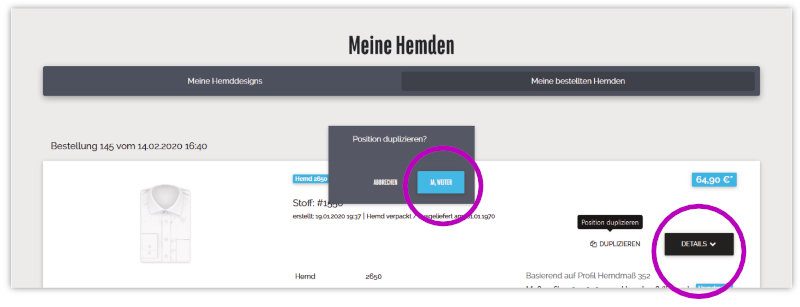
Now select the shirt you want by clicking DUPLICATE. Confirm the action (YES, CONTINUE). A new shirt design will then be created for you.
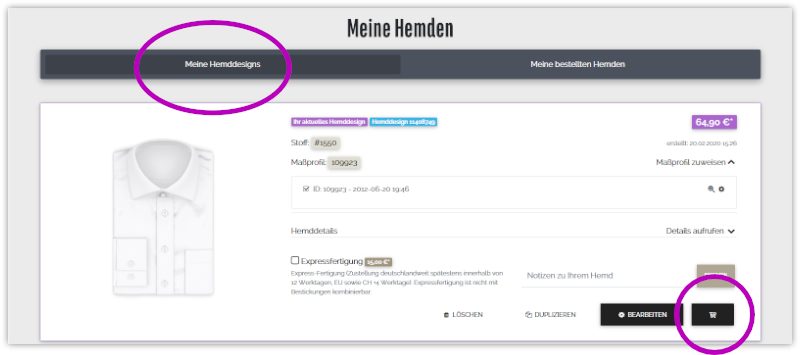
To switch the view, click “My shirt designs”. To order the duplicated shirt design, add it to the cart.
Video: Reordering shirts
See how to reorder shirts quickly and conveniently in this video: